Our new platform requires you to create a unique password. Your PASSWORD has not been transferred for security reasons. Your USERNAME on is your HEUG EMAIL ADDRESS that you use to log into the membership portal.
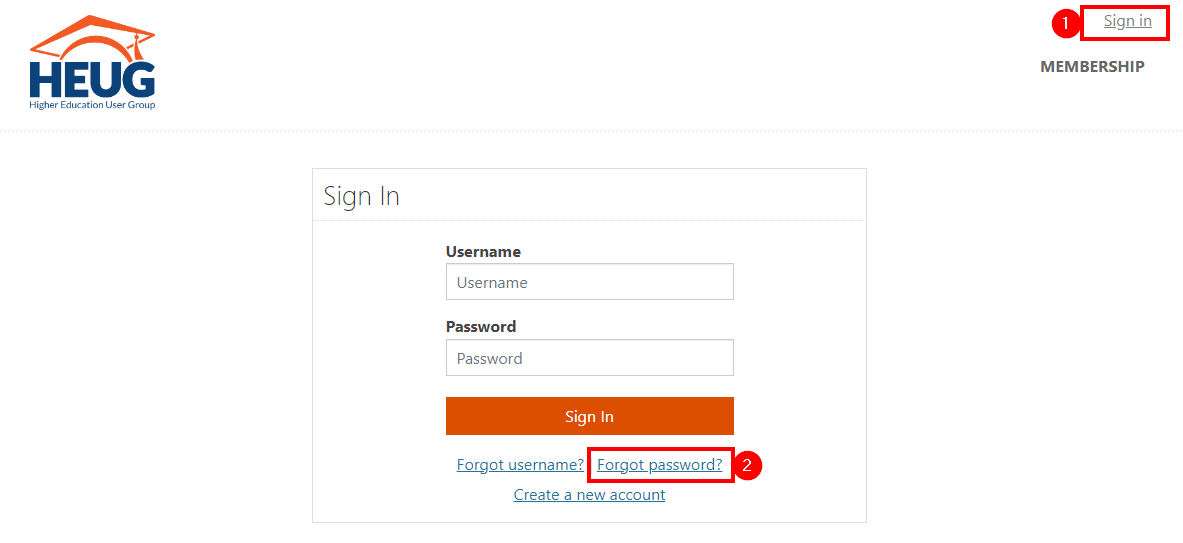
Click on "Sign In" on the top of your screen. On the next page, click on "Forgot Password?"
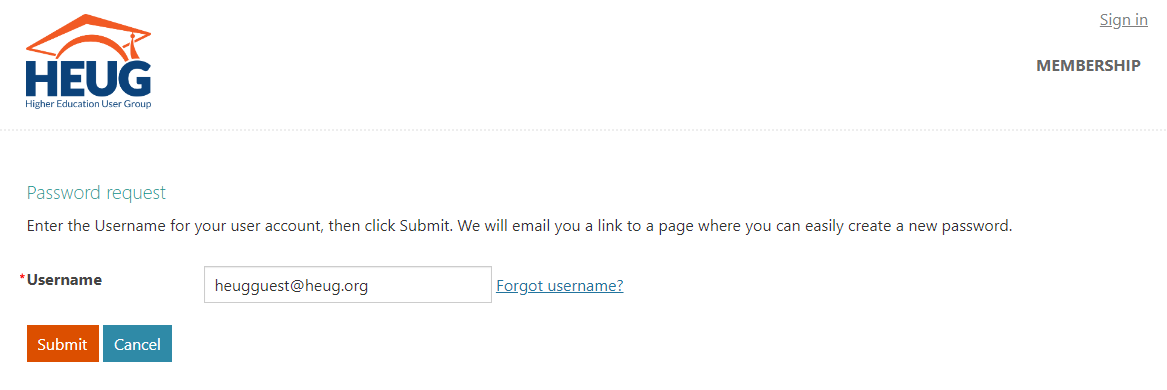
Please ensure that you are using the same email address that is on your profile. If you do not receive an email, try the “Forgot Username?” link. If you are still encountering issues, please contact [email protected].
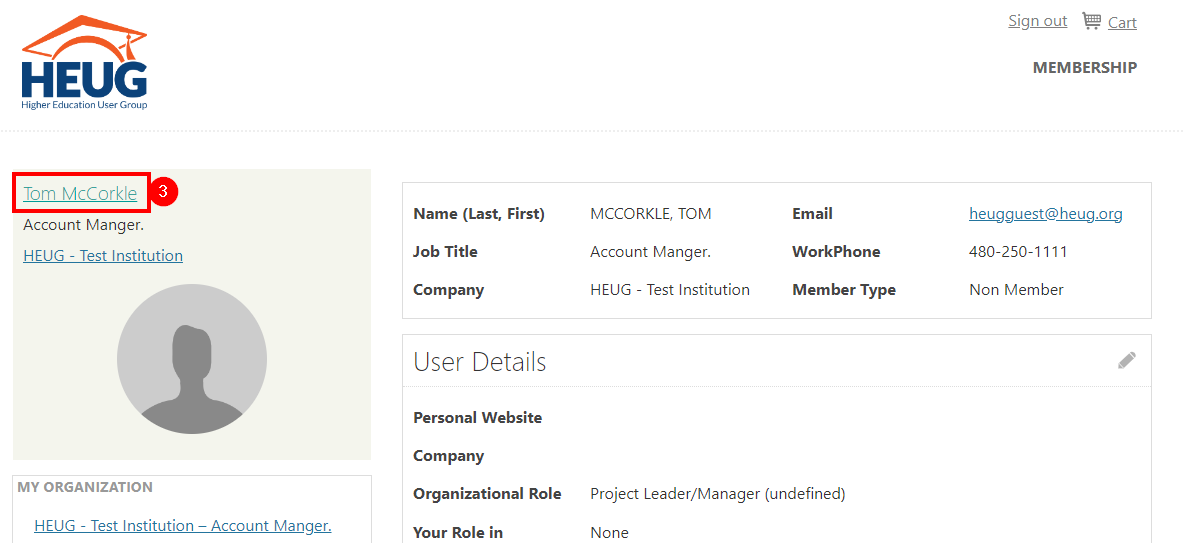
Once you are in the Membership Portal, we recommend updating your password to a strong password. Click your name on the Member Welcome Summary page to go to your full Account Page.
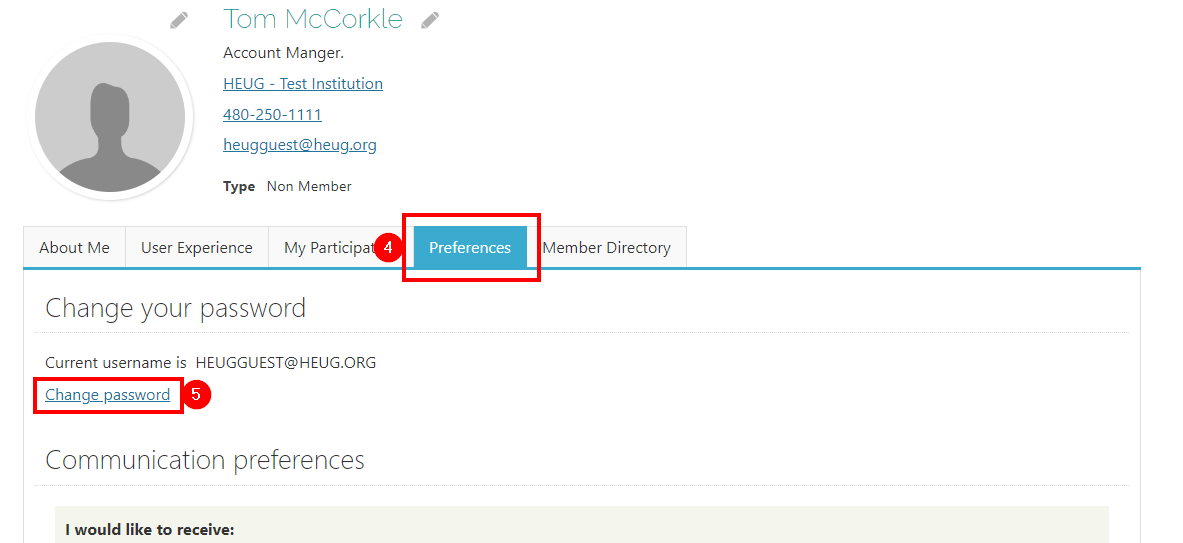
From your full Account Page.
You can update your Password under the Preferences Tab by clicking the link “Change Password”
Password security starts with creating a strong password.
- At least 12 characters long but 14 or more is better.
- A combination of uppercase letters, lowercase letters, numbers, and symbols.
- Not a word that can be found in a dictionary or the name of a person, character, product, or organization.
- Significantly different from your previous passwords.